Laptop SSD Upgrade Walkthrough: Boost Speed and Performance
When your laptop starts slowing down, it is easy to think you need to buy a whole new machine. But often, the real problem is not the laptop itself, i...
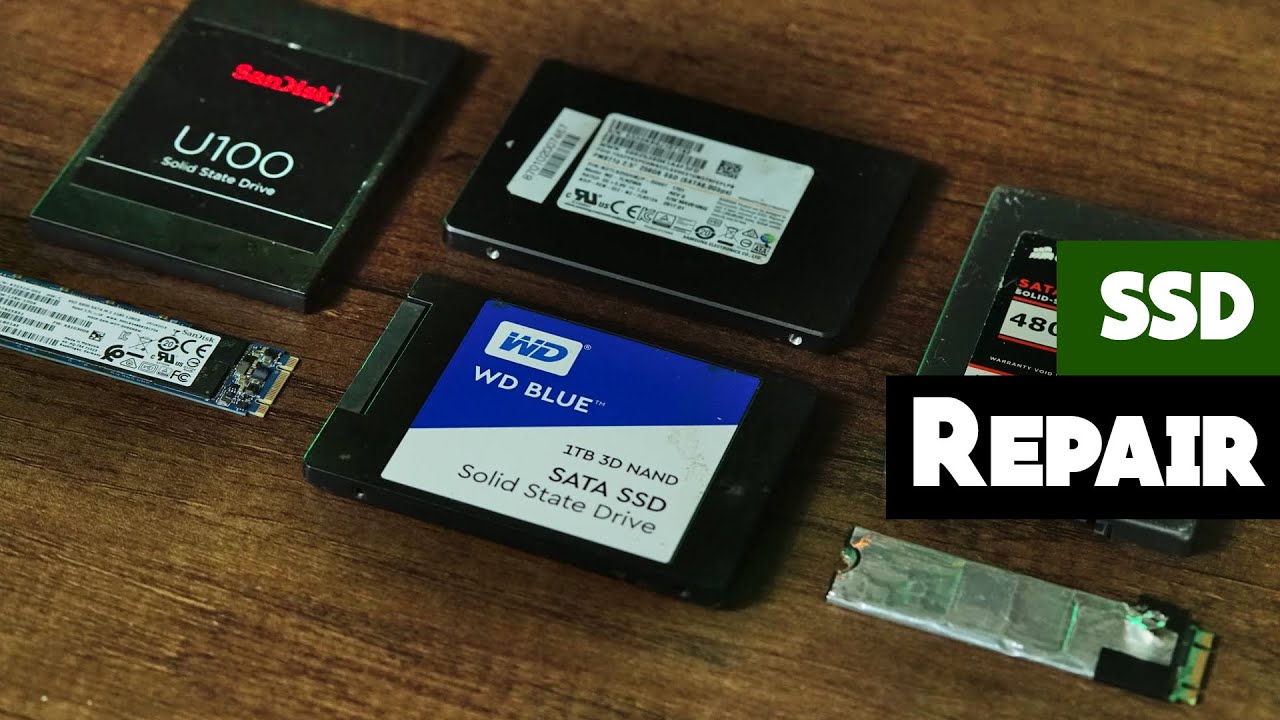
About This Course
When your laptop starts slowing down, it is easy to think you need to buy a whole new machine. But often, the real problem is not the laptop itself, it is the storage. Traditional hard drives (HDDs) can hold a lot of data, but they are much slower than modern solid-state drives (SSDs). Upgrading to an SSD can breathe new life into your laptop, giving you faster boot times, quicker app launches, and overall better performance.
This walkthrough will explain what an SSD upgrade is, the benefits it brings, and a step-by-step overview of the process. Whether you are a DIY tech enthusiast or considering professional repair, here is what you need to know.
What You'll Learn
- Professional repair techniques
- Safety procedures and best practices
- Troubleshooting common issues
- Tools and equipment knowledge
- Step-by-step repair guides
- Industry tips and tricks
This course includes:
- Lifetime access
- Certificate of completion
- Access on mobile and desktop
- Downloadable resources
- Instructor support
Students Also Bought
Explore more courses in Advanced motherboard and chip-level repair


![In-system programming [ISP]](https://smartfixug.norismedia.com/public/uploads/thumbnails/2026/01/thumb_6957e6f29eb47_1767368434.jpeg)